
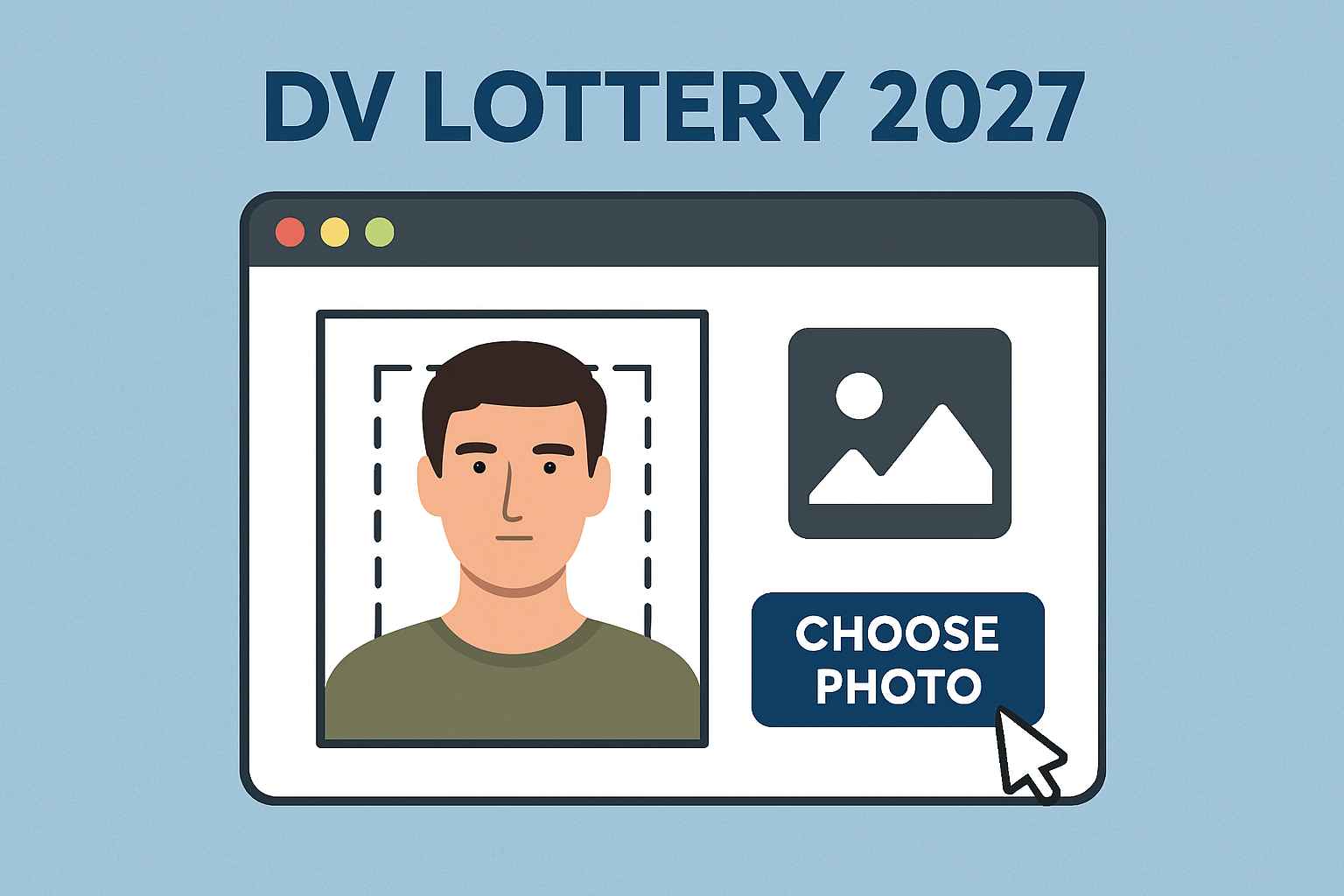
DV Lottery Photo Guide 2027 — Free Official Tool to Resize & Check Your Photo Perfectly ✅
🏆 Introduction: Why the Right Photo Matters
Submitting the correct photo is one of the most important steps in your DV Lottery 2027 registration. Every year, thousands of applications get rejected because of photo errors — wrong size, background, or editing.
The good news? The U.S. Government provides a free official photo tool to help you get it right. 🎯
In this guide, you’ll learn exactly how to resize, crop, and check your DV Lottery photo without any paid apps or agents.
🛠️ Step 1: Know the Official DV Lottery Photo Requirements
Before you upload your photo, make sure it meets all official rules from the U.S. Department of State:
-
📐 Size: 2 x 2 inches (51 x 51 mm)
-
📏 Digital Size: Minimum 600 x 600 pixels, Maximum 1200 x 1200 pixels
-
🌐 File Format: JPEG (.jpg)
-
📄 File Size: Maximum 240 KB
-
🧍 Background: Plain white or off-white
-
🧠 Expression: Neutral face, eyes open, no smile
-
👓 Glasses: Not allowed
-
🪄 Editing: No digital alterations or filters allowed
👉 If your photo doesn’t meet these, your entry can be disqualified — even if everything else is correct.
🧰 Step 2: Use the Official U.S. Government Photo Tool
The only safe and trusted way to resize your DV Lottery photo is to use the official DV Lottery Photo Tool provided by the U.S. Department of State.
🔗 Official Tool: https://dvprogram.state.gov/photo.aspx
📌 How to Use It
-
Click on the Photo Tool link above.
-
Tap “Choose Photo” and upload your image.
-
Adjust the head position inside the guide frame.
-
Crop it exactly as shown.
-
Download the resized photo and save it with a simple name (e.g.,
dvphoto.jpg).
🟡 Tip: Take your photo against a plain white wall in natural light — no shadows, no editing.
📎 Step 3: Double-Check Before Submitting
Even with the tool, don’t rush. Make sure:
-
✅ Head is centered
-
✅ Background is clean white
-
✅ No shadows, hats, or accessories
-
✅ File size < 240 KB
-
✅ Format is JPEG only
📸 If anything is wrong, take a new photo and re-upload it to the tool.
🚫 Avoid These Common Photo Mistakes
❌ Using selfies or edited passport photos
❌ Wearing glasses, hats, or caps
❌ Using studio backgrounds that are not plain white
❌ Cropping manually in Photoshop or mobile apps
❌ Submitting old or reused photos
⚠️ Remember: If the photo doesn’t meet the DV standards, your entry can be automatically disqualified, even if you are selected later.
🌟 Why Use the Official Tool Only
-
✅ Safe — No data leaks or hidden fees
-
✅ Accurate — Matches exact U.S. Department of State requirements
-
✅ Free Forever — No apps or agents needed
-
✅ Instant — Works on both desktop & mobile browsers
📌 Many third-party websites offer “DV photo resizing” but often store your photo, add watermarks, or charge money. Stick with the official government website.
📢 Final Tip: Prepare Your Photo Early
Don’t wait until the last day to fix your photo. During the final week of registration, millions of users flood the site, and the tool often slows down. 📅
👉 Prepare and save your photo in advance, so when registration opens, you can submit quickly and avoid errors.
Further Reading:
- How to Apply for DV Lottery 2027 from Home Without Cost
-
DV Lottery 2027 Eligible Countries List – Check Before You Apply
- Top 20 Most Searched FAQs About DV Lottery 2027 (With Answers)
-
How the USA Selects DV Lottery Winners: DV Lottery 2027 Explained